Finish the job
Keeps working a goal until it’s done — not endless “continue?” chat.
 Frankenstein
Powered by Stitch Lab
Frankenstein
Powered by Stitch Lab
Powered by Stitch Lab
Build, test, and ship Android apps without leaving your phone.
Official Ultra APKs are proprietary — not open source. Every demo on this page was created on the same device — not a desktop mockup.
Built entirely on Android · [email protected]
The whole story in four beats — what people remember after watching the demos.
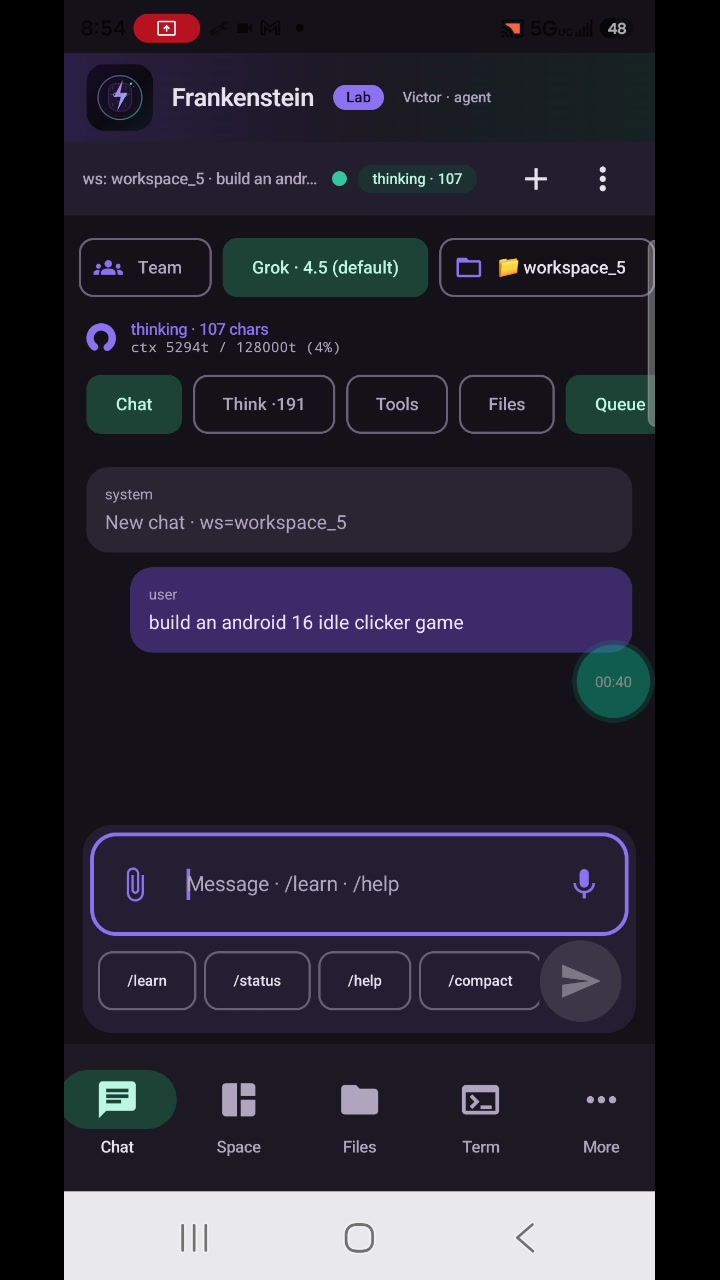
Describe what you want in plain language.
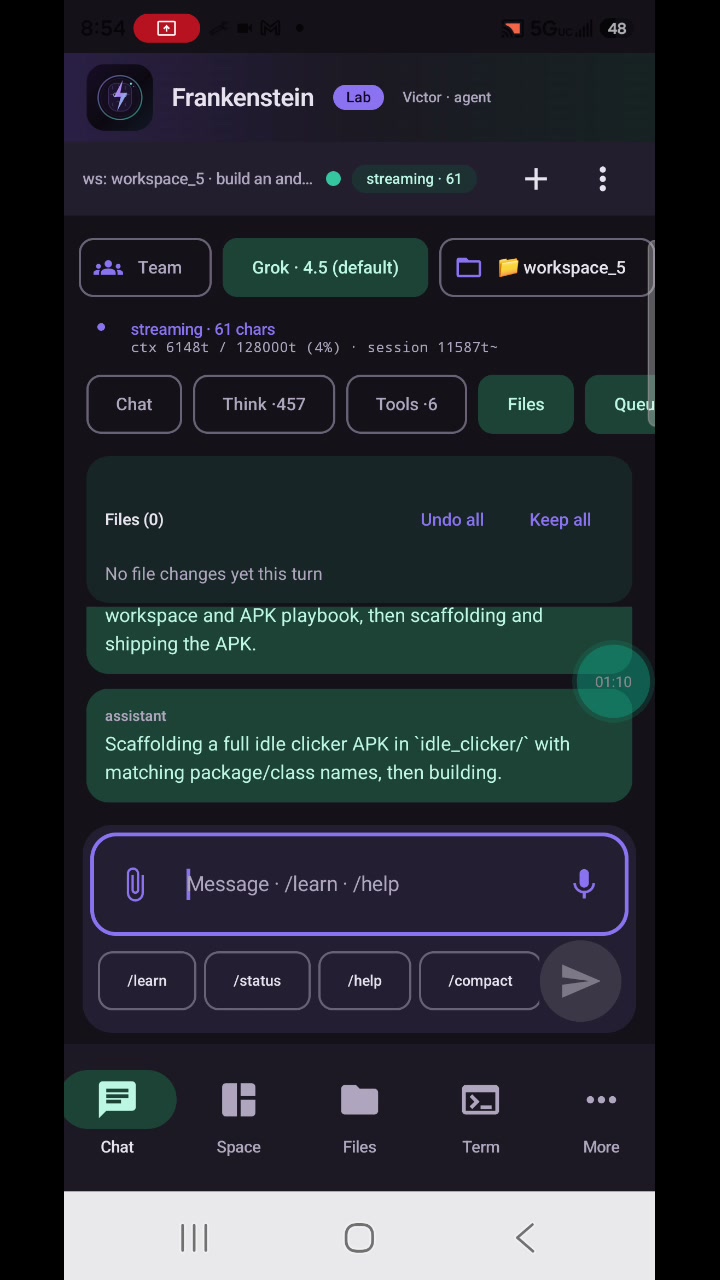
Code and project work happen on the phone.
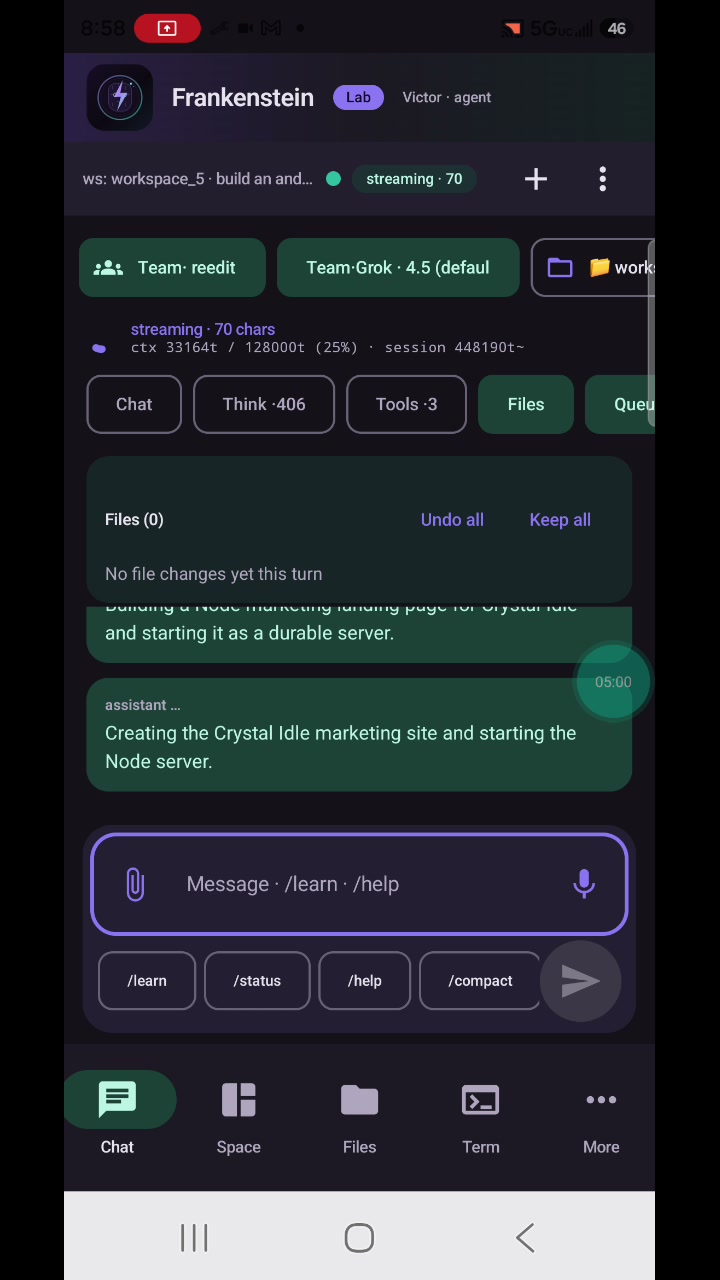
Produce an installable Android app and open the system installer.
Launch and try the result on the same device.
Privacy-safe public cuts from a real on-device session. Implementation details stay protected; the outcomes are visible.
Additional on-device session cuts kept as lab proof alongside the public pack.
In-app tour, one screen at a time — same as before.
Swipe sideways · snap between phones
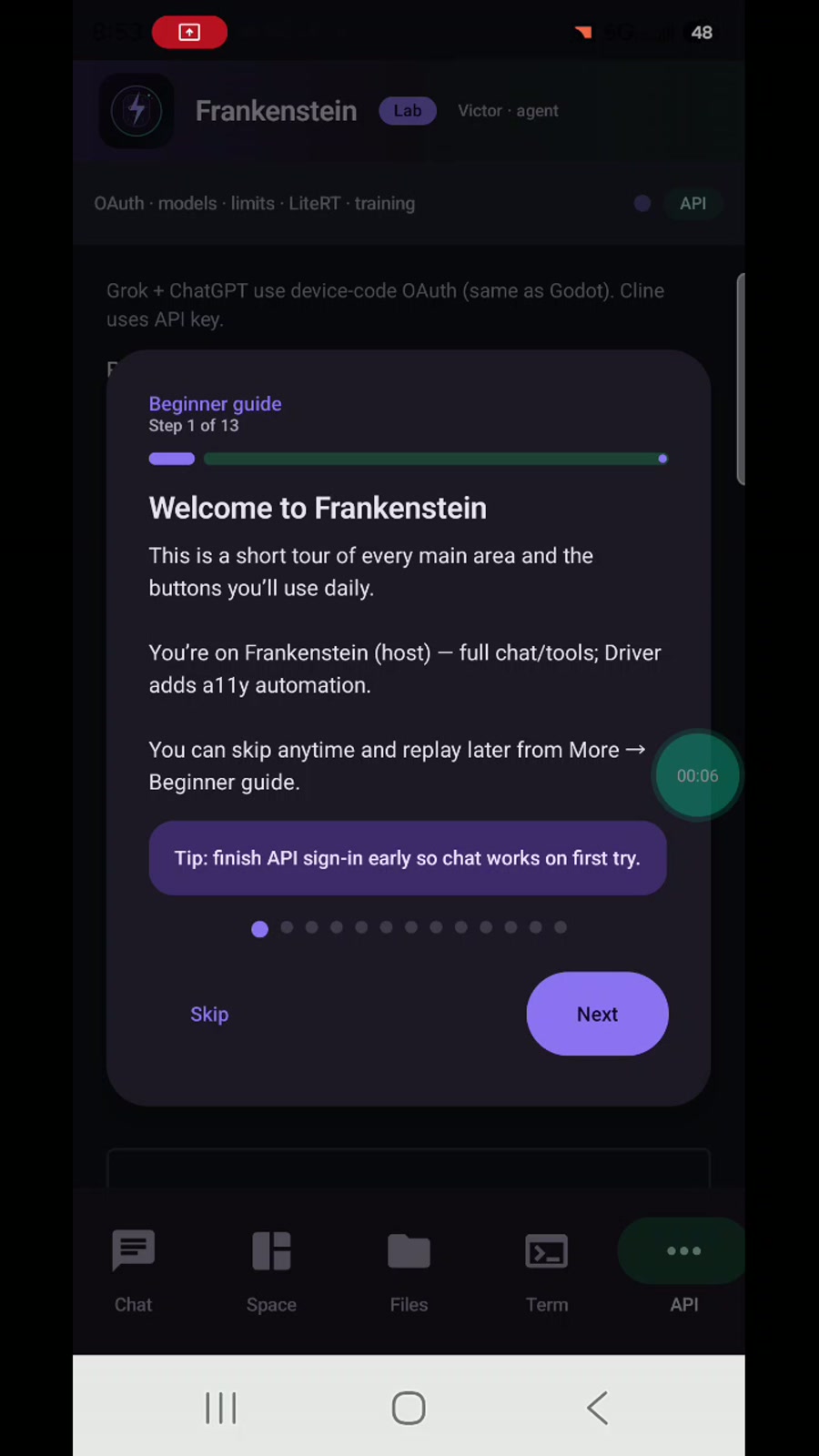
Short tour of the main areas. Skip anytime; replay from More.
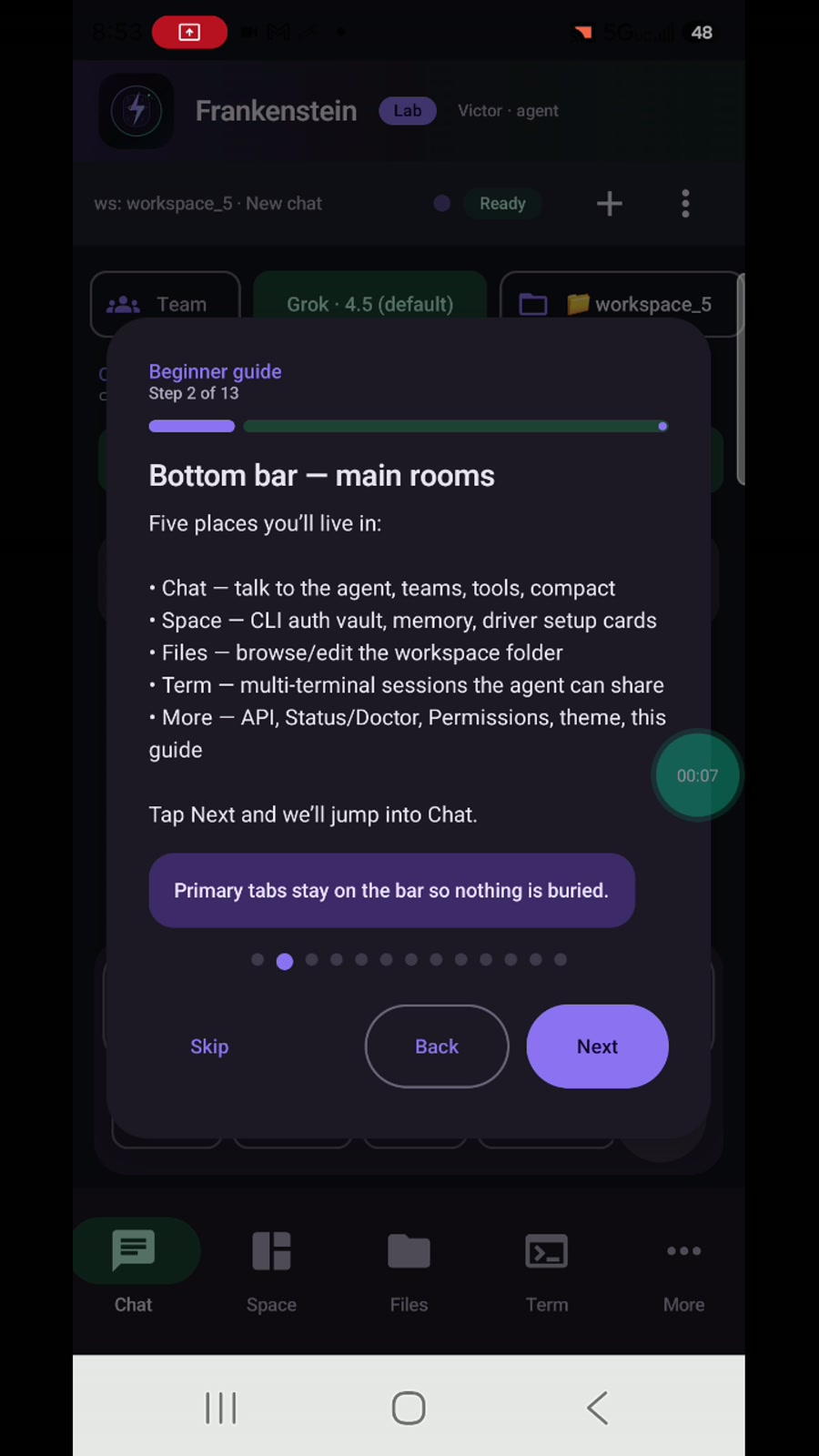
Chat, Space, Files, Term, More — five rooms you live in.
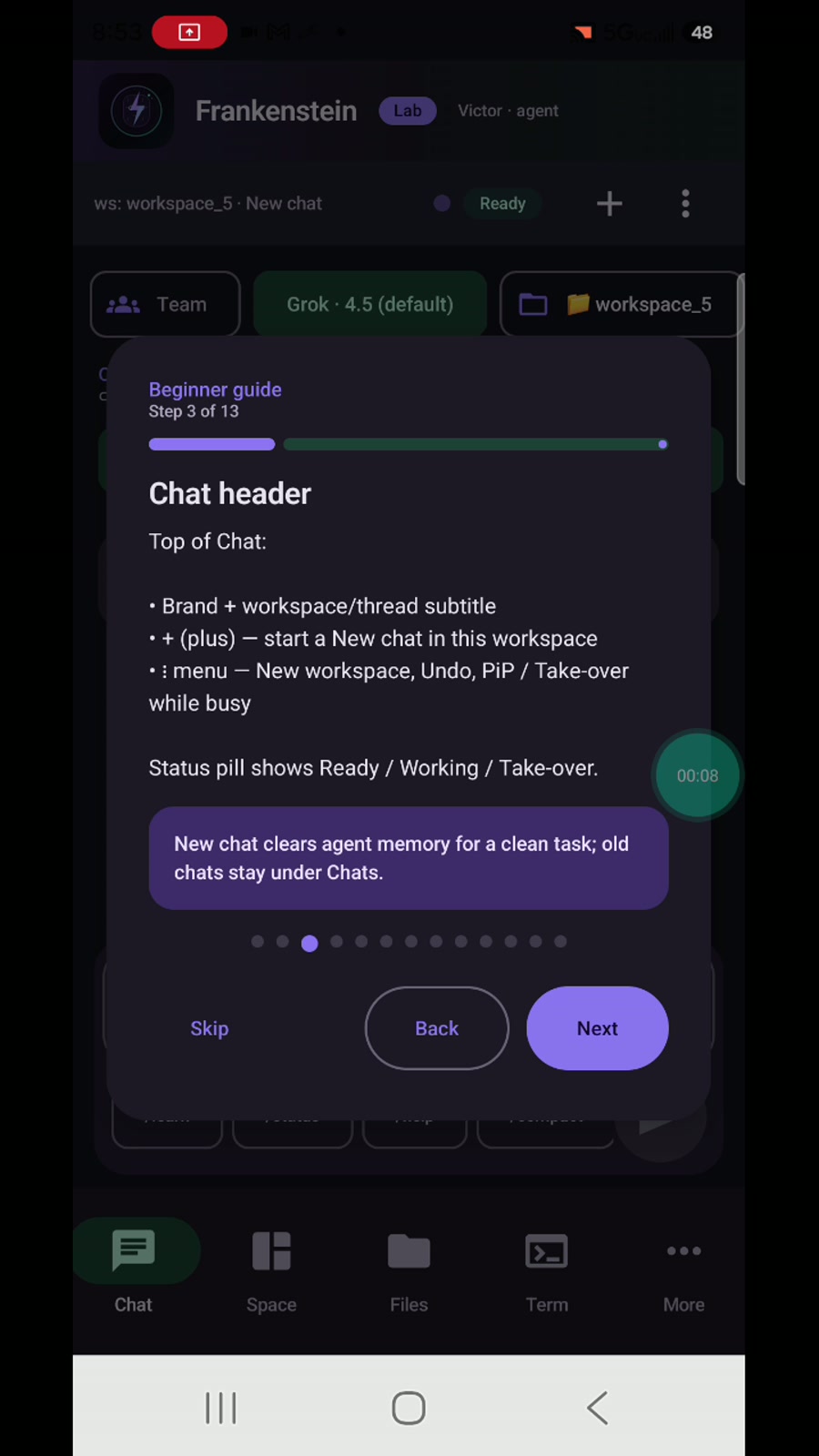
New chat, workspace context, Ready / Working status.
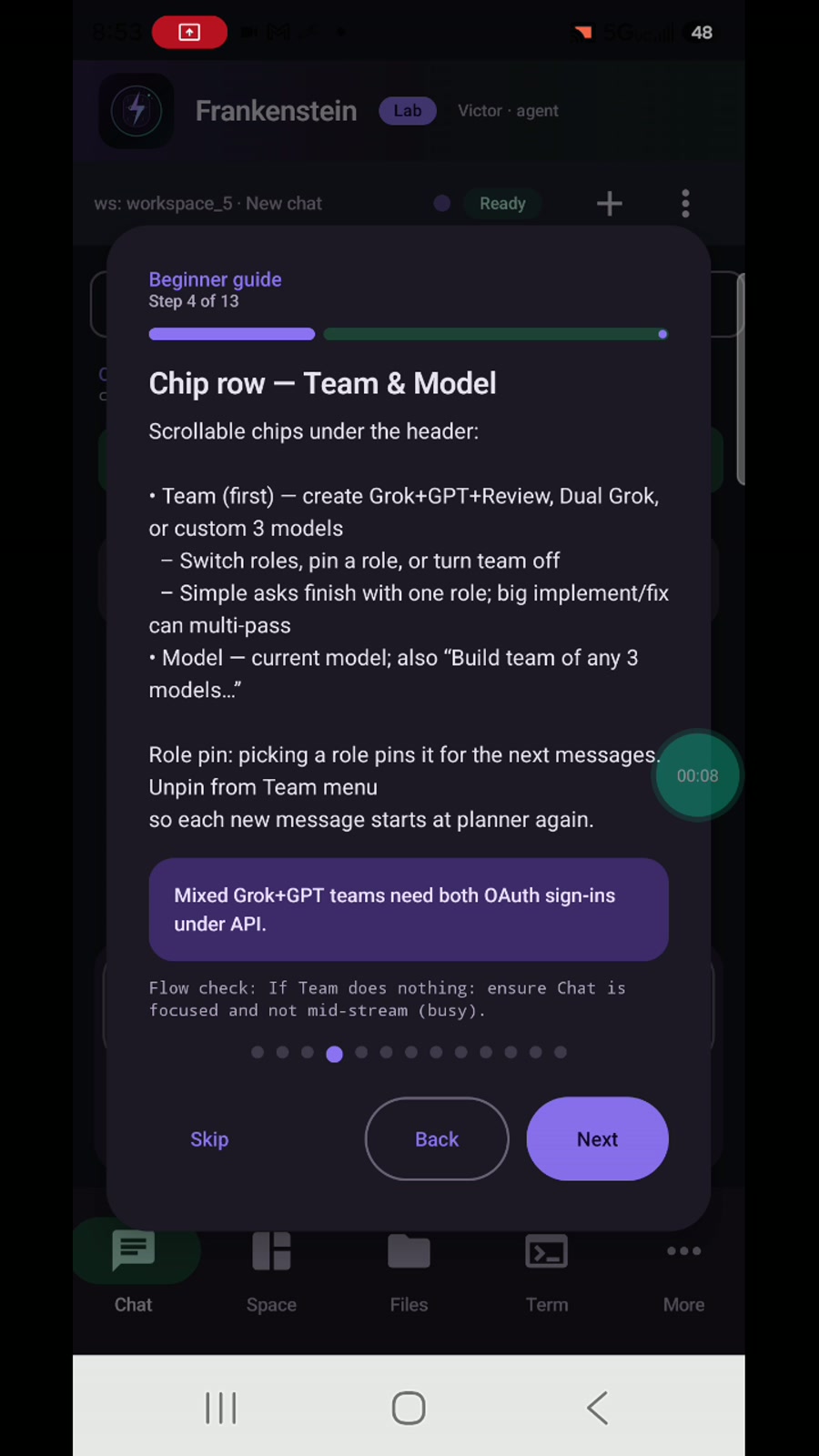
Pick a model or multi-role team from the chip row.
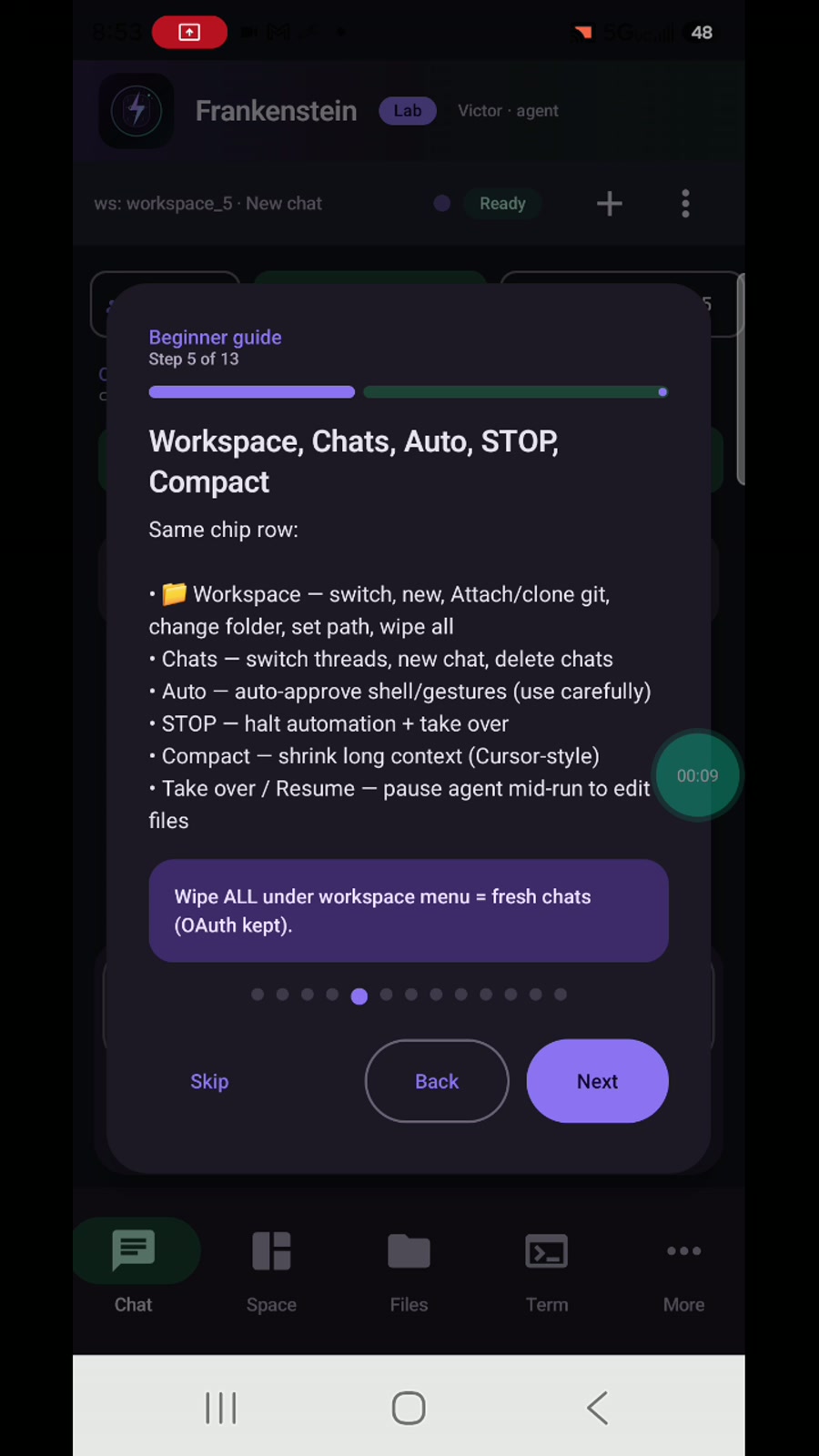
Workspace, chats, auto-approve, stop, compact.
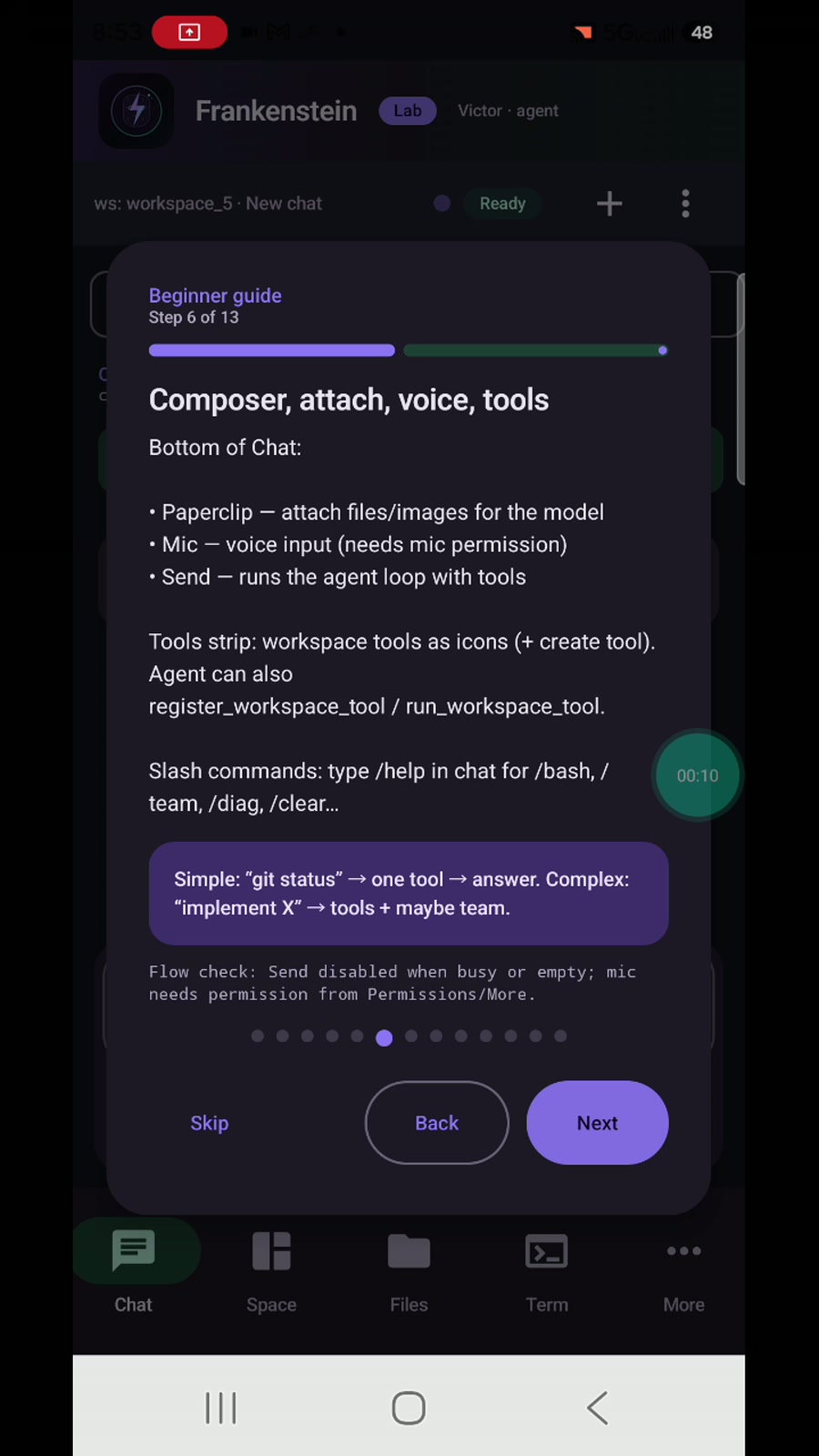
Attach, voice, send, tools strip, slash commands.
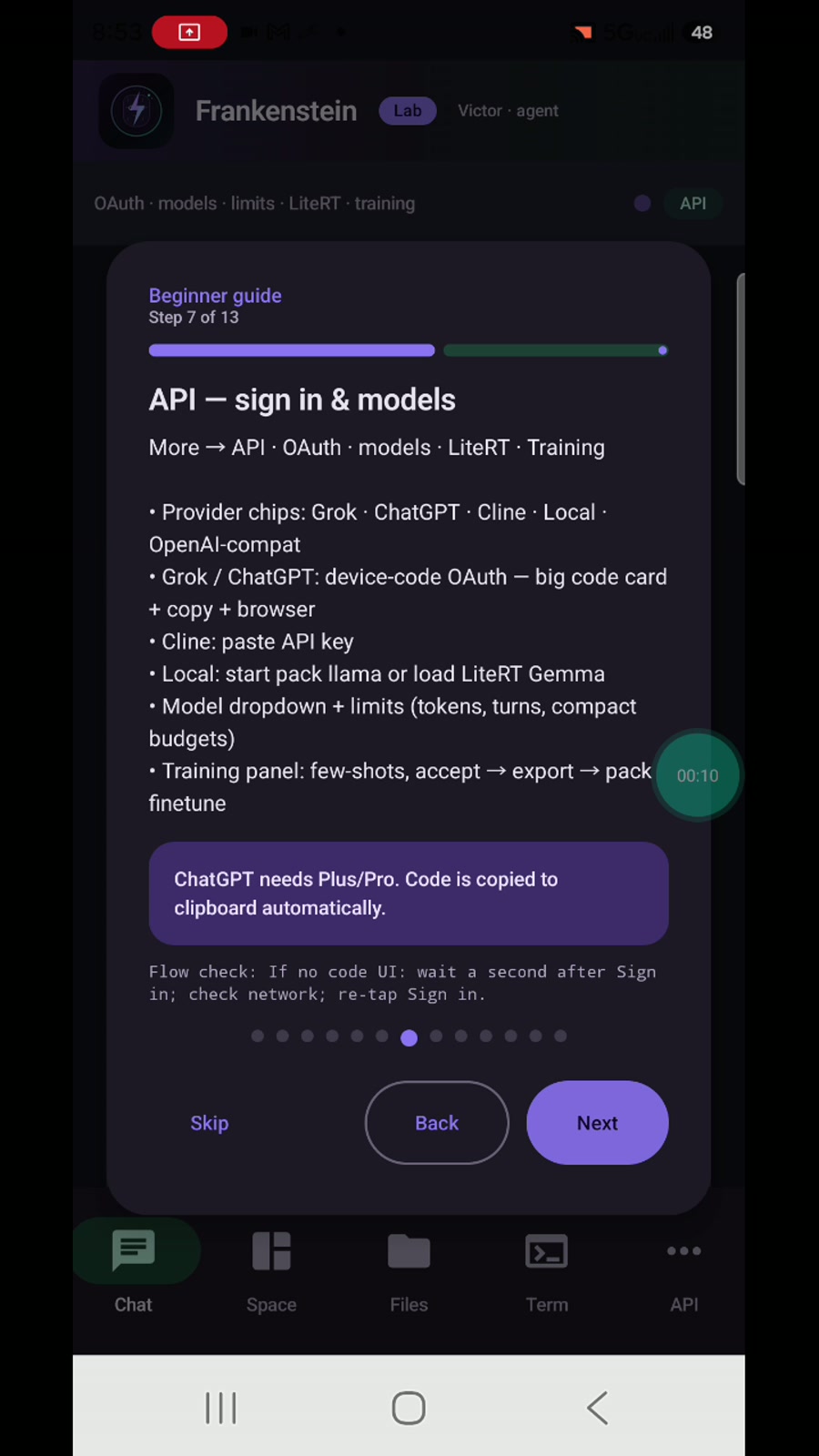
Connect providers, choose models, set limits.
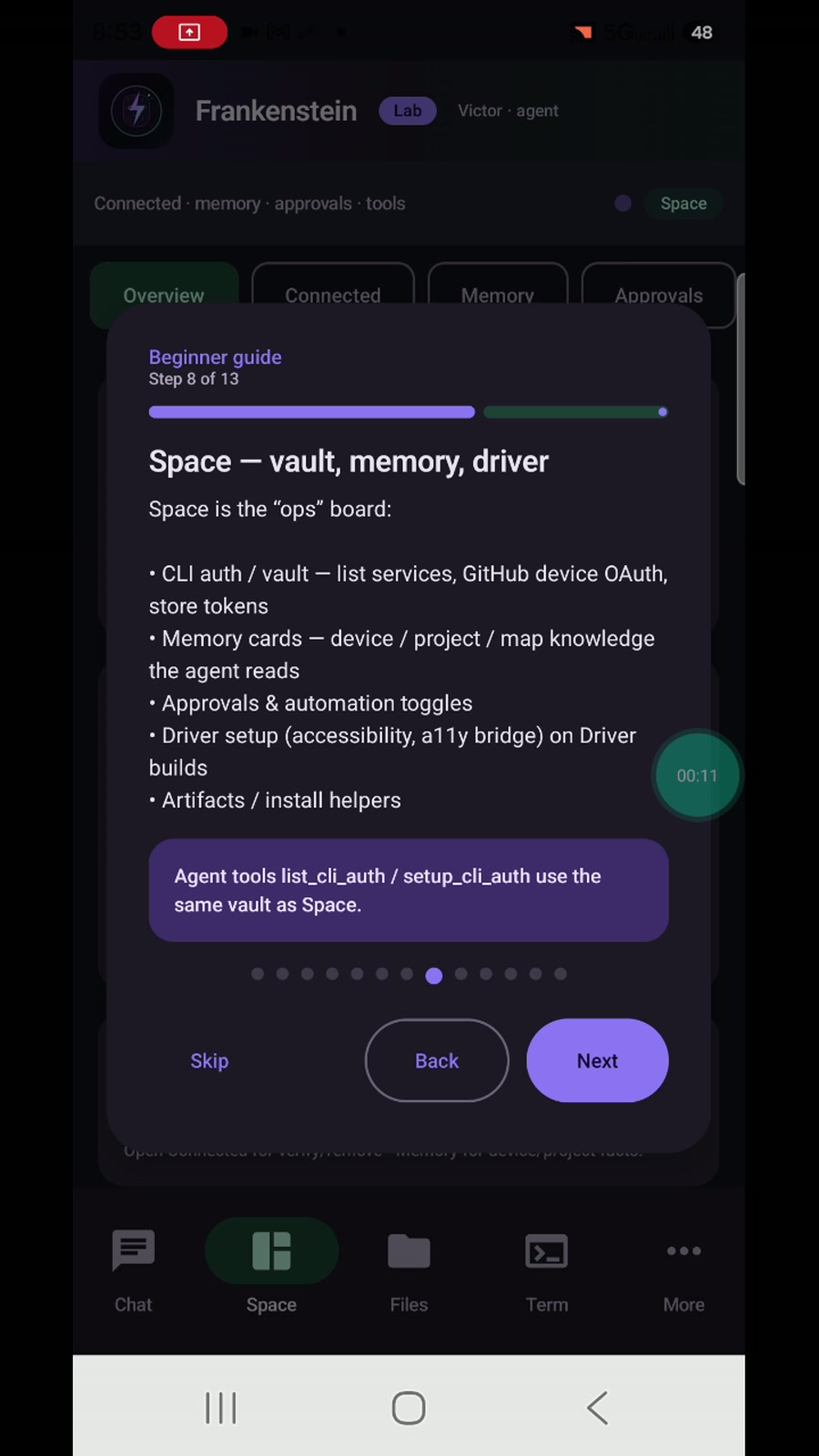
Vault, memory, approvals, driver setup.
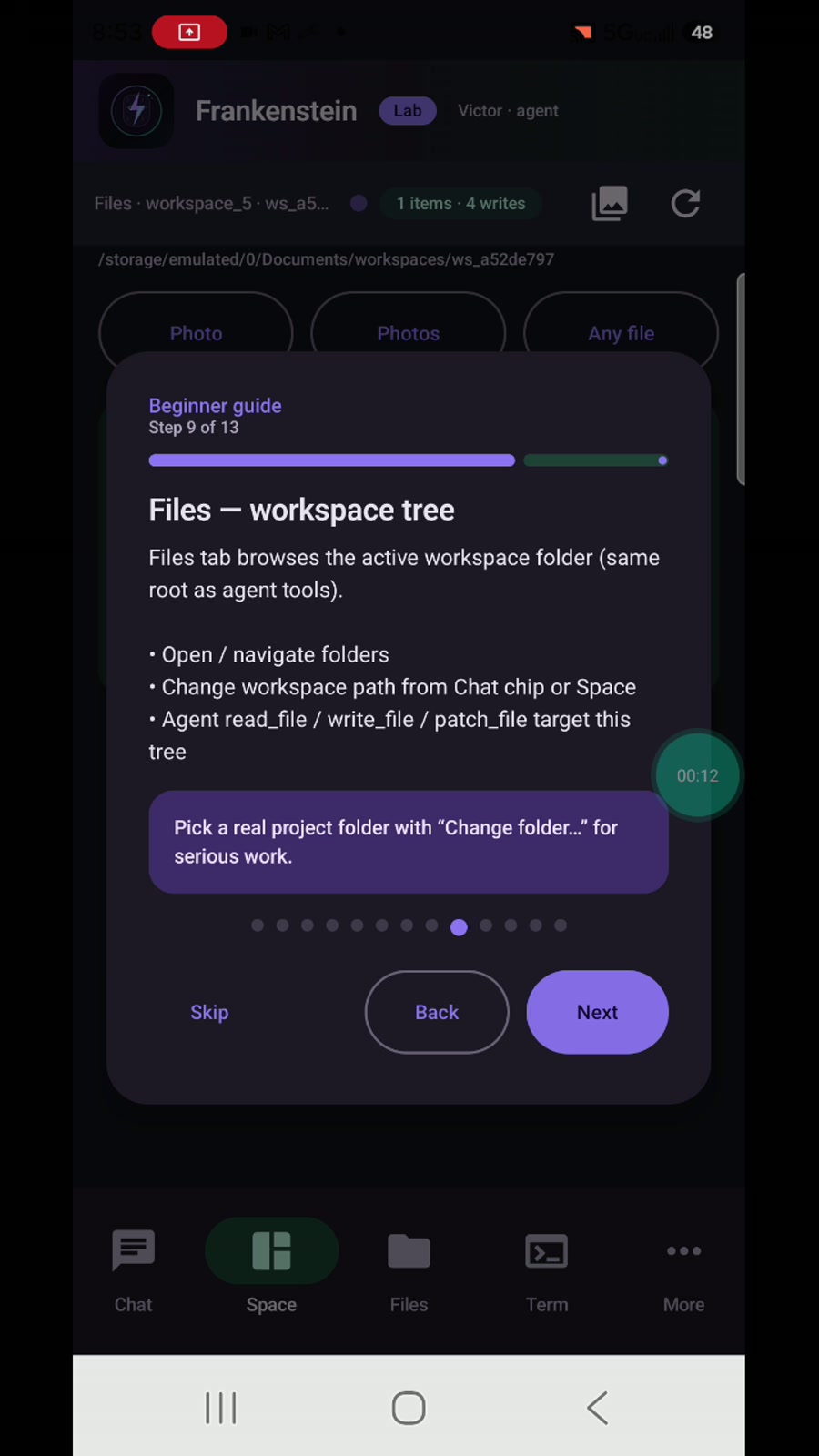
Project tree — same root the agent reads and writes.
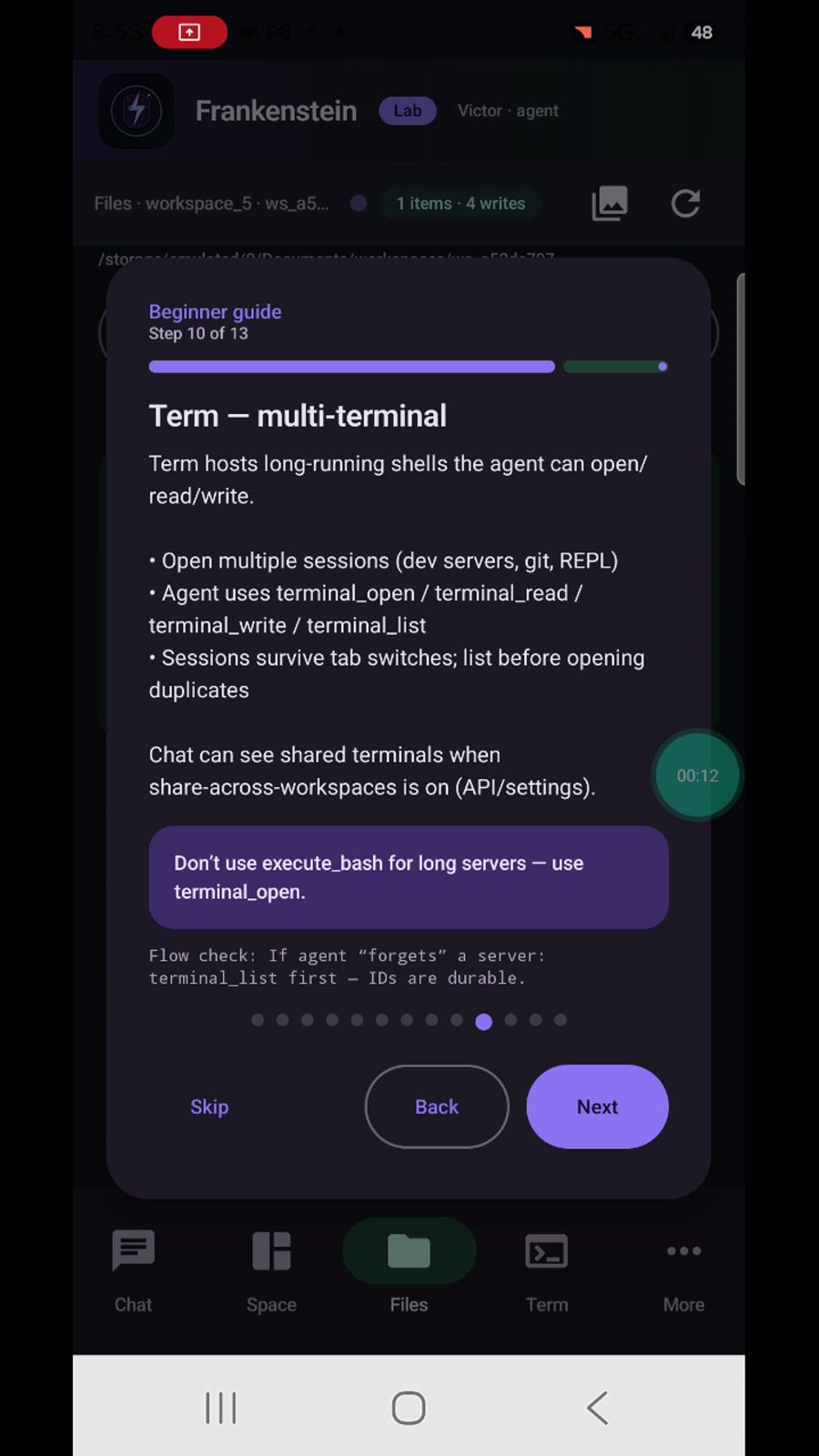
Long-running shells the agent can share.
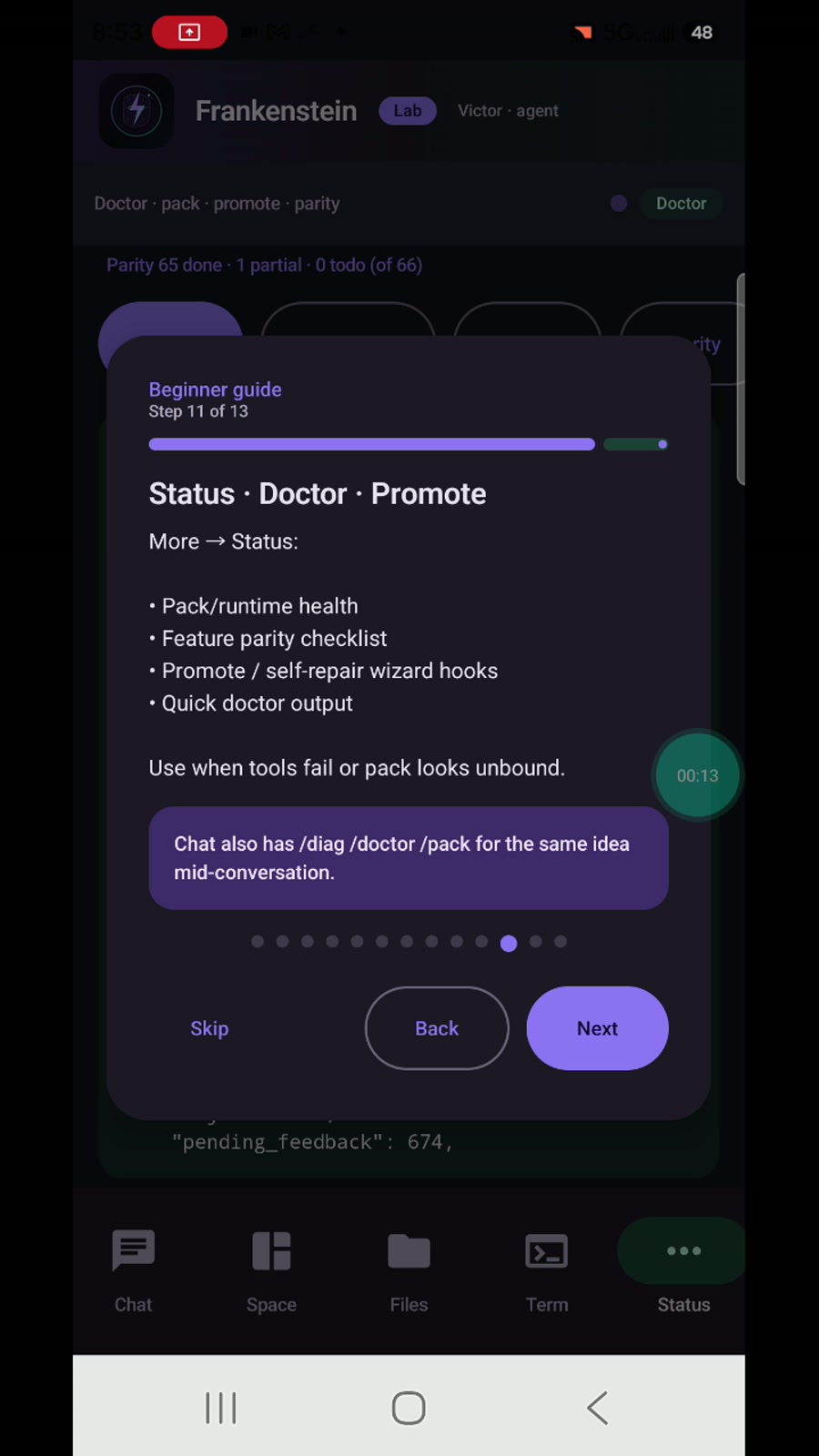
Health checks when tools fail or pack looks unbound.
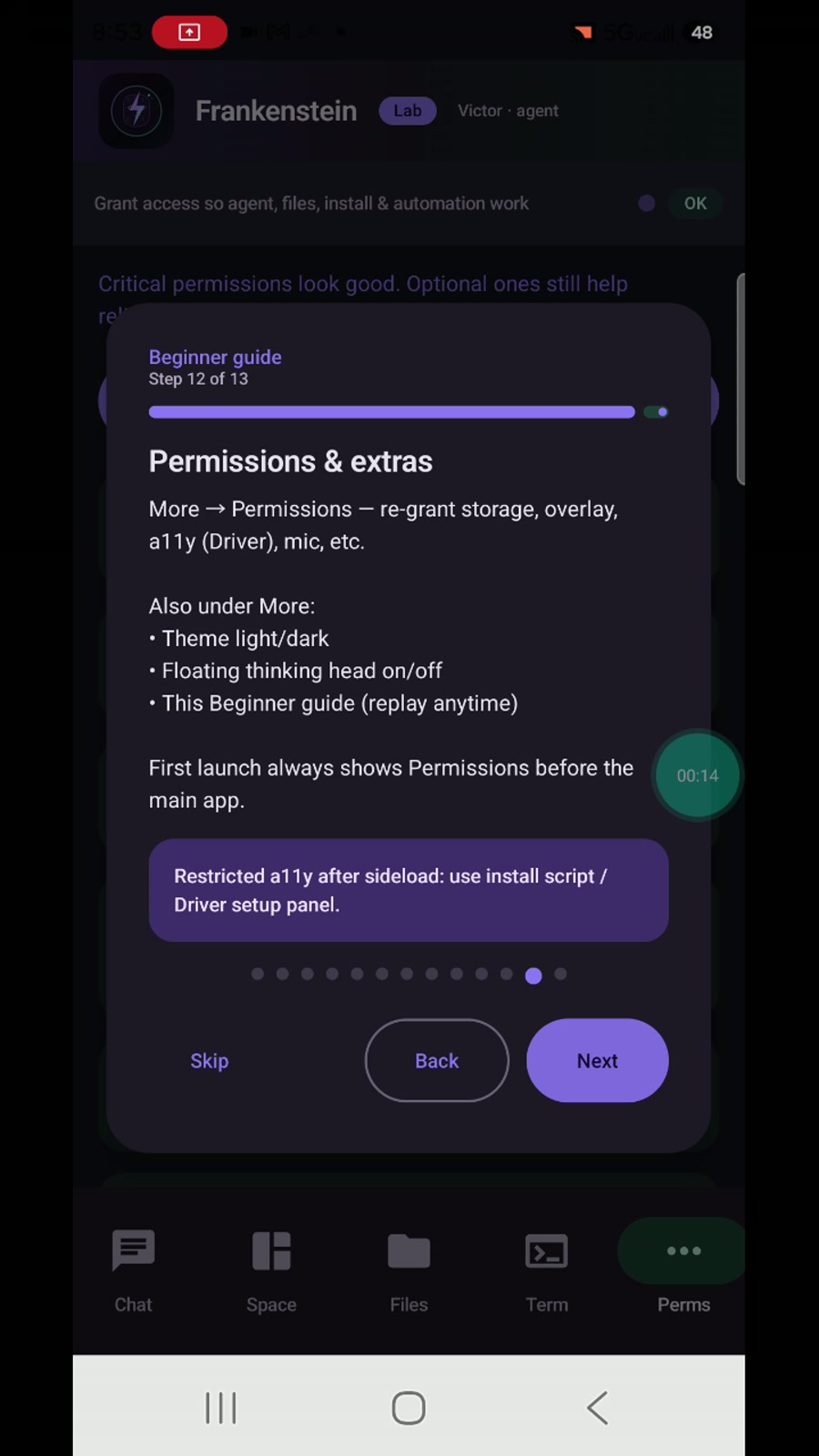
Storage, overlay, theme, floating lab head.
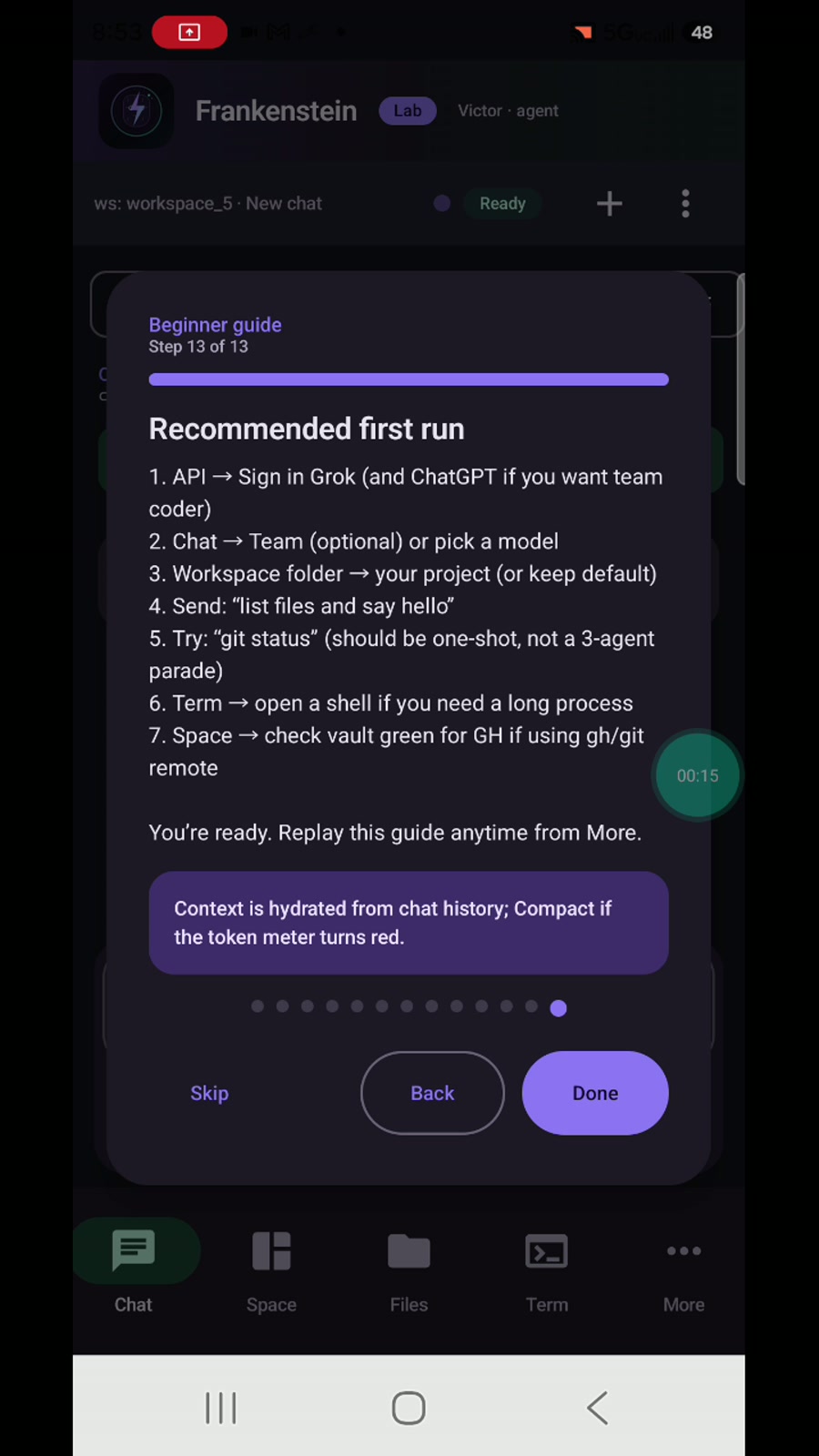
Pick a model → project → say hello.
Outcomes only — how it’s built stays in the lab. Full overview →
Keeps working a goal until it’s done — not endless “continue?” chat.
Files and sessions live on the device so work isn’t trapped on a PC.
From idea to installable app you can open and try on the same phone.
Scripts, packages, and everyday project work without jumping to a desktop every step.
Long-running work and previews stay up while you keep moving.
History on device and guided sign-in for accounts you already use.
Connect the providers you prefer. Optional multi-role workflows for heavier jobs.
Driver edition can help walk your own flows and smoke-test what you built.
Project and device context that carries across sessions.
The Ultra and Victor APKs are publicly downloadable now on Downloads. Leave your email if you want news about upcoming releases, lab builds, or limited seats — no spam blasts.